
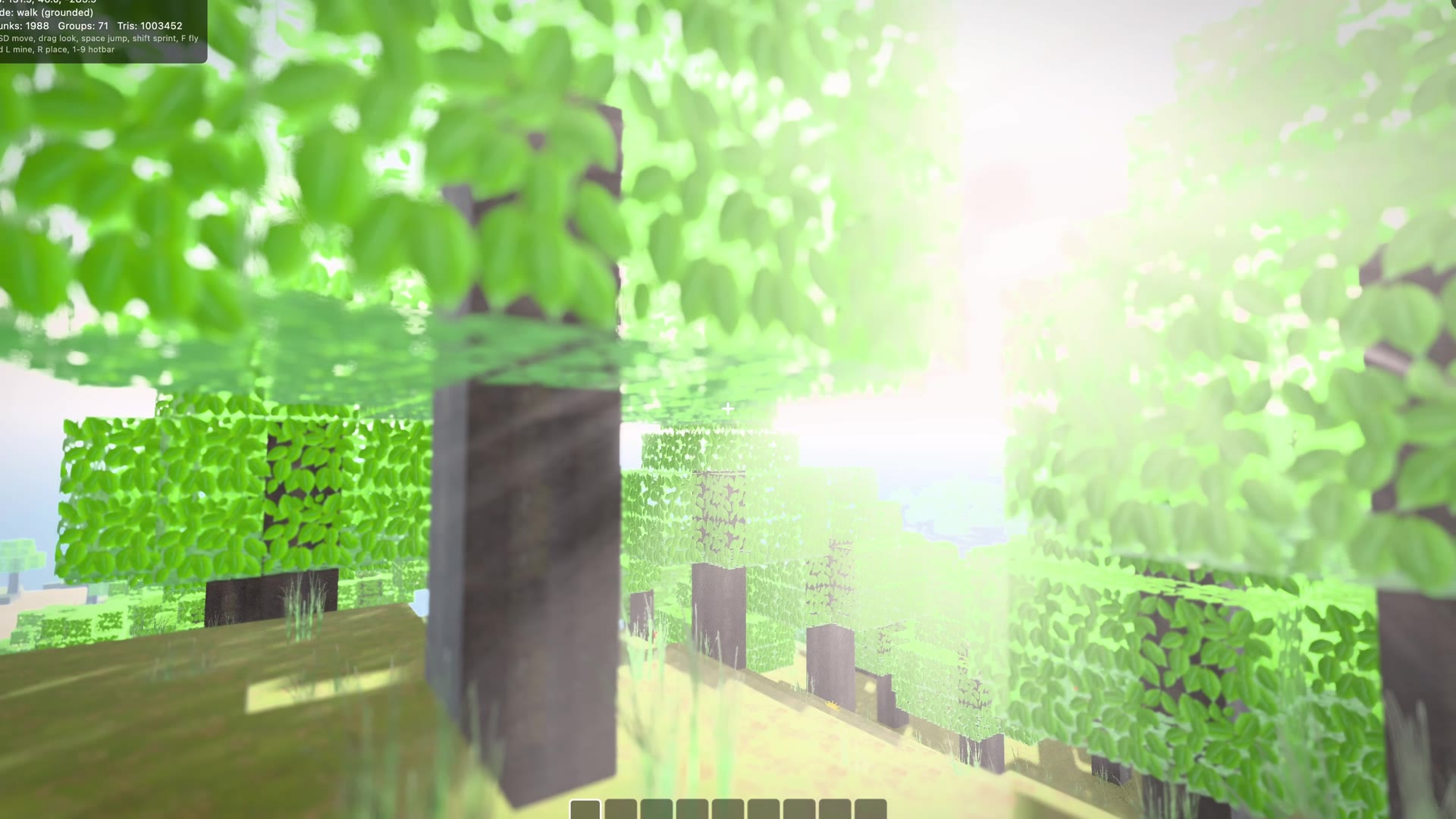
Gorgeous 3D, made easy
Strong defaults do the heavy lifting. A procedural studio environment, physically based materials, and filmic tone mapping mean an imported model looks good the moment it loads, and turning good into gorgeous is a few lines.
Hot reload everything
Edit a model, a shader, a texture, or the environment and see it change in place, with no restart and no lost state. The asset pipeline hot reloads every asset, on every platform.
Declarative and retained, one engine
Describe a scene with widgets, or drive the retained scene graph directly. The declarative layer reconciles onto that same graph the way Flutter reconciles the widget tree, writing only what changed, so structure becomes a function of state.
Live widgets on 3D surfaces
Put a real, interactive Flutter widget onto a mesh. Buttons press, sliders drag, and animations keep running, even on a curved screen, because there is real Flutter underneath. Scene integrates deeply with Flutter, so you can try it live right here.
Materials without limits
Physically based and unlit materials are built in, and when you need more you write your own. The .fmat format gives you typed parameters and GLSL across the vertex and fragment stages, with engine lighting you can opt into.
A cinematic post stack
Bloom, screen space reflections, ambient occlusion, god rays, depth of field with bokeh, fog, automatic eye adaptation, and anti aliasing with resolution scaling. Scene gives you substantial tooling to compose the look of your whole scene.
Light it like a photograph
Image based lighting wraps a scene in real environment light, a procedural physical sky can light it and aim the sun, and unlimited point and spot lights stay cheap through per light culling, with soft shadows.
Physics, dropped in
Add real rigid body physics with a single component. Character controllers, joints, vehicles, and dynamic stacks, on a pluggable backend you can swap or leave out entirely.
Particles and VFX
A modular particle system with flipbook flames, curl noise smoke, stretched sparks, ribbon trails, and instanced mesh debris. Light a campfire or level a building.
Real captures, in your scene
Load .ply and .splat Gaussian splat captures as ordinary scene nodes and walk through them. Splats and normal geometry occlude each other correctly, so a capture lives in your world.
Generate it at runtime
Primitives, custom geometry from raw vertices, swept and lathe shapes, automatic level of detail, and a noise library whose CPU and GPU sides stay identical. Build worlds on the fly and read geometry back to make more.
An editor that speaks to agents
A desktop scene editor with a built in MCP server, so an AI agent can build and edit your scene through the same undoable commands you use by hand.
Accessible 3D
Attach semantics components to your nodes and their content flows into Flutter's accessibility tree, reachable by screen readers and switch access, with tap and adjust actions and camera-tracked focus. The same tooling covers the live widgets embedded in your 3D scene.
Runs everywhere Flutter runs
One codebase, everywhere Flutter runs. Six platforms including the web, plus custom embedders, all with the same GPU-accelerated rendering. On the web it runs under either the Skwasm or CanvasKit renderer, with no extra setup.
- iOS
- Android
- Web
- macOS
- Windows
- Linux
- Custom embedders